AI slop website fixes: a ban list to paste into your AI agent
A copy-paste list of banned design patterns, each with its replacement, grouped by color, type, layout, copy, imagery and motion. Plus why telling an agent what not to do works better than asking for beautiful.
The short version
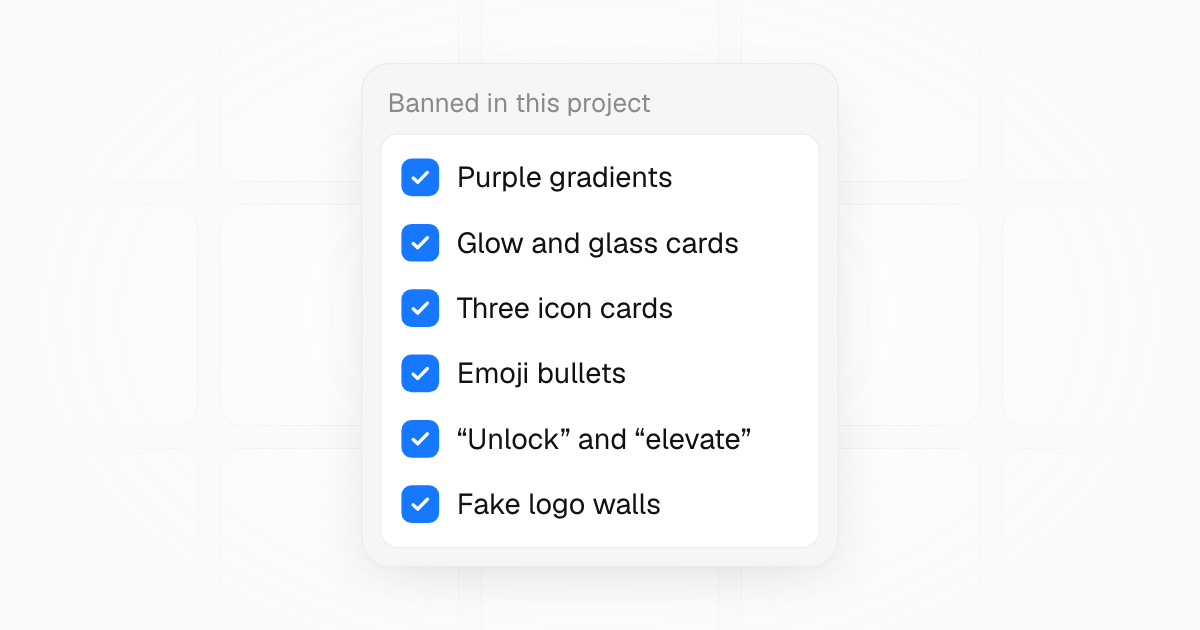
- Give your agent a list of banned design patterns, each paired with the replacement to use, instead of asking for a beautiful page.
- Keep the list in CLAUDE.md, or in a file it points to, so the agent reads it every session before it writes markup.
- Use the same list to review screenshots line by line. Add a ban each time you correct the same pattern twice.
On this page
“Make it beautiful” is the weakest instruction you can give a coding agent. The model has no idea what beautiful means to you. It has a picture of the average of every landing page it has seen. That average is the look you want to get away from: a purple gradient, a centered headline, three cards with icons, a glow behind the button.
A ban list works better. It names the defaults one by one and gives the replacement for each. This post is mostly that list. Copy it, trim it, and put it where your agent reads it every session.
Why “don’t” beats “make it nice”
Positive adjectives leave the choice open. “Modern”, “clean” and “premium” each point to the same few patterns, so the model picks the most common one. You asked for a choice and got the default.
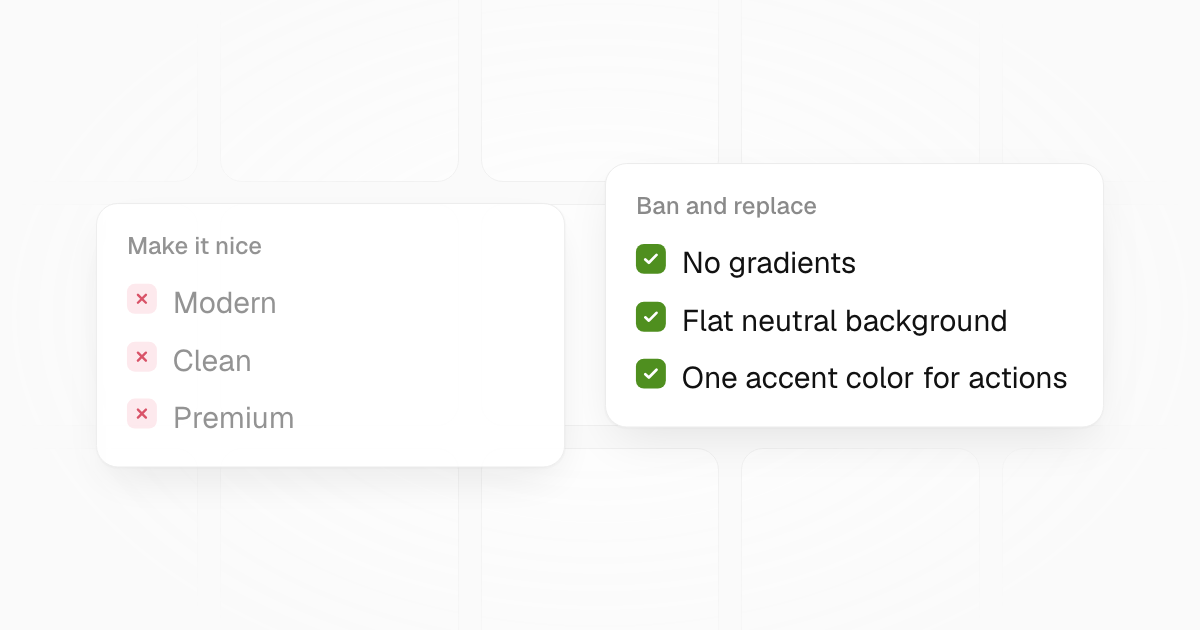
A ban blocks the default. “No gradients” removes the most likely answer, so the model has to pick something else. Pair it with a replacement (“flat neutral background, one accent color for actions”). Now that something else is your choice, not a guess.
Three things make a ban work:
- It’s specific enough to check. “No purple gradients” can be checked in a screenshot. “Avoid tacky colors” can’t.
- It has a replacement. A ban with no replacement often gets you a near miss, like a blue-to-teal gradient instead of a purple one.
- It lives in a file the agent reads every time. A ban typed once in chat can get lost as the session grows.
The list
Paste this into your CLAUDE.md under a ## Design bans heading, or into a separate file that CLAUDE.md points
to. Delete any line that doesn’t fit your project. Change the replacements to match your own tokens.
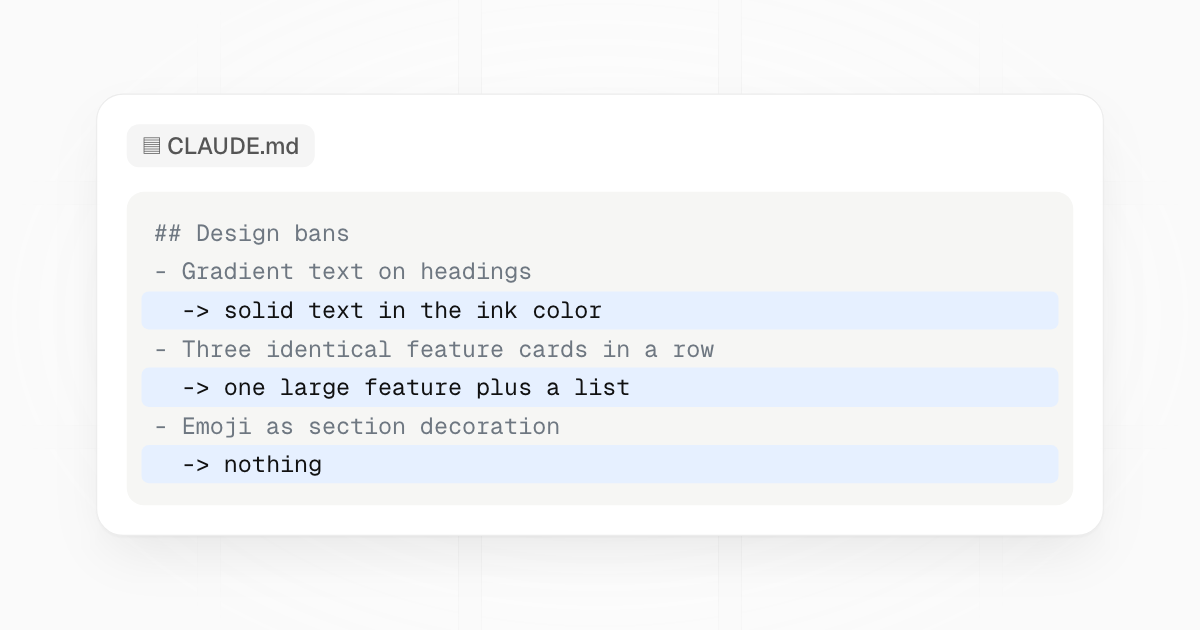
## Design bans
Each line: BANNED -> USE INSTEAD. Check the page against this list before saying a UI task is done.

### Color
- Purple, violet or blue-to-purple gradients -> flat backgrounds from the neutral ramp
- Gradient text on headings -> solid text in the ink color
- More than one accent color -> one accent, used for primary actions, links and data only
- Glows, neon edges, colored blur behind elements -> nothing; separate surfaces by background tone
- Pure #000 text on pure #fff -> near-black ink on an off-white or white page
- Colored section backgrounds that alternate every block -> one page color, one surface color

### Type
- Inter or the system default for everything -> one display face for headings, one text face for body
- Every heading in the same weight and size -> a fixed type scale with 3 to 4 sizes in use per page
- All-caps eyebrow labels above every heading -> an eyebrow only where it names a real category
- Body text wider than 75 characters -> max-width around 65ch for paragraphs
- Center-aligned paragraphs -> left-aligned body text; center only short headlines

### Layout
- Three identical feature cards in a row -> one large feature plus a list, or a two-column split
- Every section centered and full width -> vary alignment; at least one asymmetric section per page
- Cards inside cards -> one level of surface; use spacing to group
- Random padding values -> spacing only from the scale in this file
- Same vertical gap everywhere -> large gaps between sections, small gaps inside them
- Box shadows and hairline borders on every card -> background tone to separate surfaces

### Copy
- "Unlock", "elevate", "seamless", "supercharge", "revolutionize", "next-level" -> the plain verb for what it does
- "Not just X, it's Y" -> say what it is
- Lists of three adjectives -> one specific claim
- "Get started" on every button -> the action: "Create a project", "Book a call"
- Invented stats, logos or testimonials -> leave the section out until real ones exist
- Headline that could fit any product -> what this product does, for whom, in one line

### Imagery and icons
- Abstract 3D blobs, gradient meshes, floating spheres -> a real product screenshot in a plain frame
- AI-generated people or office stock photos -> real photos, or no photo
- Sparkle, rocket, lightning or brain icons -> no icon, or one that carries meaning a label can't
- Emoji as section decoration -> nothing
- An icon on every list item -> plain list; icons only where items need telling apart at a glance

### Motion
- Fade-up on every element as it scrolls in -> motion only on elements that change state
- Bouncy or elastic easing -> ease-out, 150 to 250ms for UI, up to 400ms for larger moves
- Animated gradient or particle backgrounds -> static background
- Parallax on text -> text stays still and readable
- Motion that ignores prefers-reduced-motion -> respect it everywhere
The list is long on purpose. Reading thirty short lines is easier for the model than guessing your taste.
How to install it
Put the list where the agent will read it before it writes any markup.
For Claude Code, that’s CLAUDE.md at the project root. If the file is already long, save the list as
docs/design-bans.md and add one line to CLAUDE.md:
Before any UI change, read docs/design-bans.md. Every rule there is mandatory.Two habits keep it working:
- Make “check the ban list” part of done. The first line of the list already says it. You can also end UI prompts with “check the result against the design bans and list any you broke”.
- Add a ban each time you catch a new default. If you have to correct the same pattern twice, put it on the list. The list should grow from your project, not stay a generic copy.
Use it in review, not only in generation
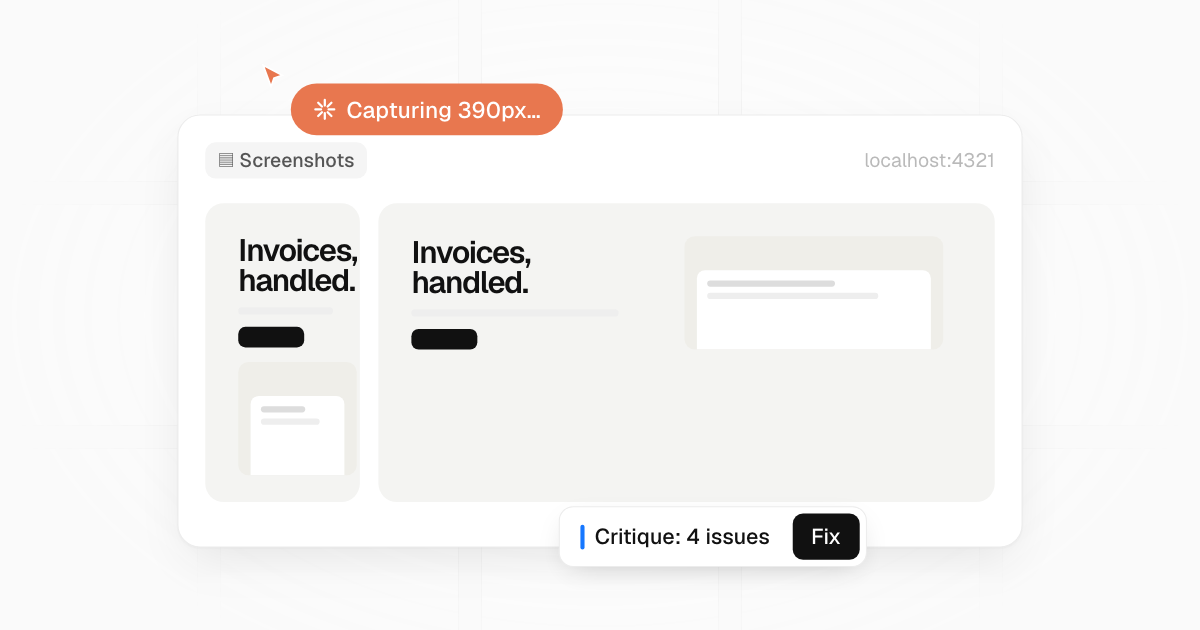
A ban list is also a review checklist. After the agent builds a page, ask it to look at a screenshot and go through the list line by line:
Read .review/home-desktop.png and .review/home-phone.png.
Go through docs/design-bans.md one section at a time.
For each banned pattern you can see in the screenshots, give the section and the fix.
Do not edit files yet.
This is pass three of the loop in Claude Code and Playwright: a screenshot review loop for better design. The screenshots matter. An agent reading only the code will miss a gradient that comes from a shared class or an imported component.
Bans are half the job
A list of what to avoid stops the worst defaults. It doesn’t pick your type, palette or layout for you. If you ban gradients and give no palette, the model will still pick something, and it will be the next most common thing.
So pair the ban list with the other half: real tokens and a written spec. A one-accent palette is covered in How to choose a website color palette (with Tailwind tokens), and the full spec format in DESIGN.md: how to write one your AI coding agent can build from. The bans keep the agent off the default path. The spec tells it which path to take.
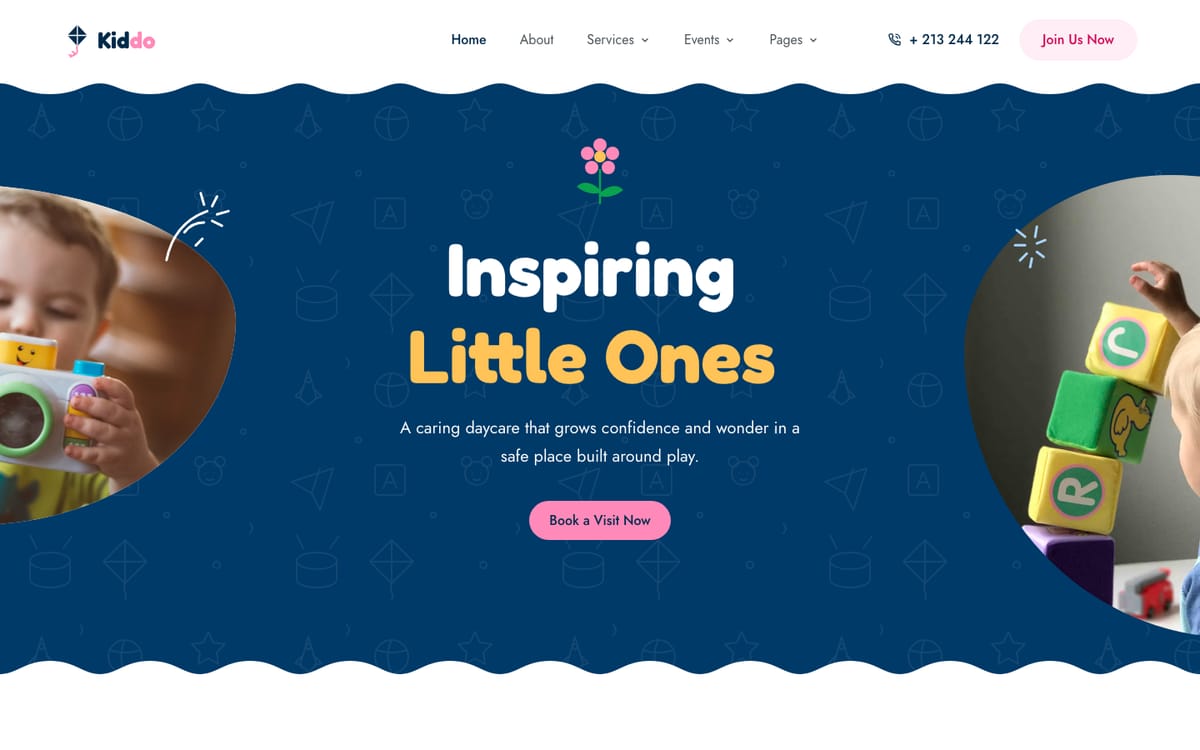
Example: Kiddo, a designed Astro template on Aymu.
Trim it before you paste it
One last thing. Don’t paste the list and forget it. Read every line and ask if it’s true for your site. If you like a centered hero, delete that line. If your brand color is purple, keep it, and change the gradient ban so it bans the gradient and not the color. You’ll enforce a ban list you agree with. The agent will argue with a list you copied without reading, and it’s very good at finding exceptions.
Share this post
 Post on X
 Share on LinkedIn
Ask an AI about this post
 ChatGPT
 Claude
 Perplexity
 Google AI
 Grok
 Written byMuhammad SumonDeveloper and UI/UX designer