Add Astro components to your site with Claude Code and MCP
When one block on your site is weak, replace that block instead of regenerating the page. How to pick a section, install it with your agent or the CLI, and fit it to your site.
The short version
- Replace the single weakest block on your site with a designed section. Don't ask the agent to redesign the whole page.
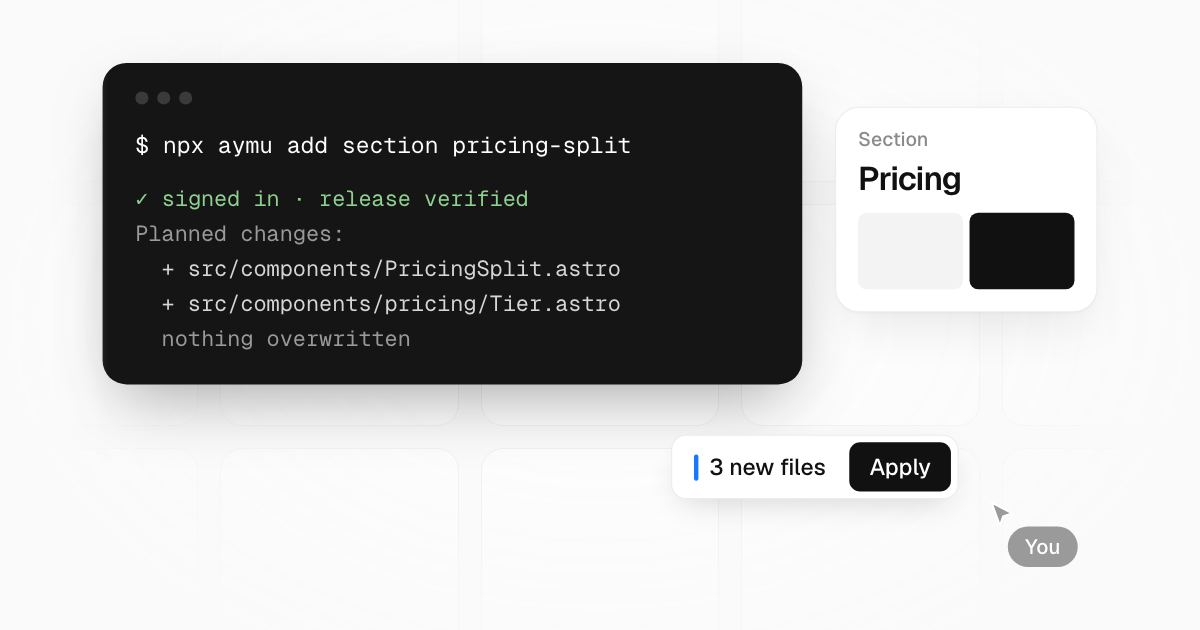
- Install it over MCP or with npx aymu add section. It shows every file first and won't overwrite files you already have.
- Pass your real content in through props, map only fonts and the accent to your tokens, and leave the section's spacing alone.
On this page
A vibe-coded site is rarely bad everywhere. The hero is fine after a rewrite, the nav works, the footer is plain but harmless. Then one block gives the whole thing away. Often it’s the pricing table, the FAQ or the feature grid: three identical cards, a gradient, a glow behind the “Popular” badge.
The usual move is to ask the agent to “redesign the pricing section”. You get a new version of the same average, because nothing about the request changed. It works better to replace that one block with a section a person designed, and leave the rest of the site alone.
Find the weakest block first
Before you replace anything, decide which block it is. Take a full-page screenshot at desktop and phone width and put them side by side. Look for the section that seems to come from a different, cheaper site. Ask your agent to do the same against your rules:
Read .review/home-desktop.png and .review/home-phone.png.
Rank the sections on this page from weakest to strongest design, against the rules in CLAUDE.md.
For the weakest one, say what makes it look generated.
If you haven’t set up screenshots yet, Claude Code and Playwright: a screenshot review loop for better design has the commands.
Pick one block. If you replace two or three at once, it’s hard to tell which change helped.
Pick a section that fits your content
Browse the section catalog with your real content in mind, not the demo content. A pricing section built for three plans will look strained with five. A two-column FAQ needs questions short enough to sit side by side.
A section on Aymu is a product of its own. It’s one folder with the component, its styles, any small scripts and its images. It reads colors and fonts from CSS custom properties with built-in fallbacks. So it looks right as shipped, and it picks up your own tokens when you define them. If it needs npm packages beyond Astro and Tailwind CSS, the installer prints them for you to add. It doesn’t install them quietly.
Install it with your agent
If you use Claude Code, Codex, Cursor or another tool that speaks MCP, connect it once with the command on the MCP page. The tool opens a browser page where you sign in and choose what it may do. To let it install, leave the install permission ticked. No API key goes into any config file.
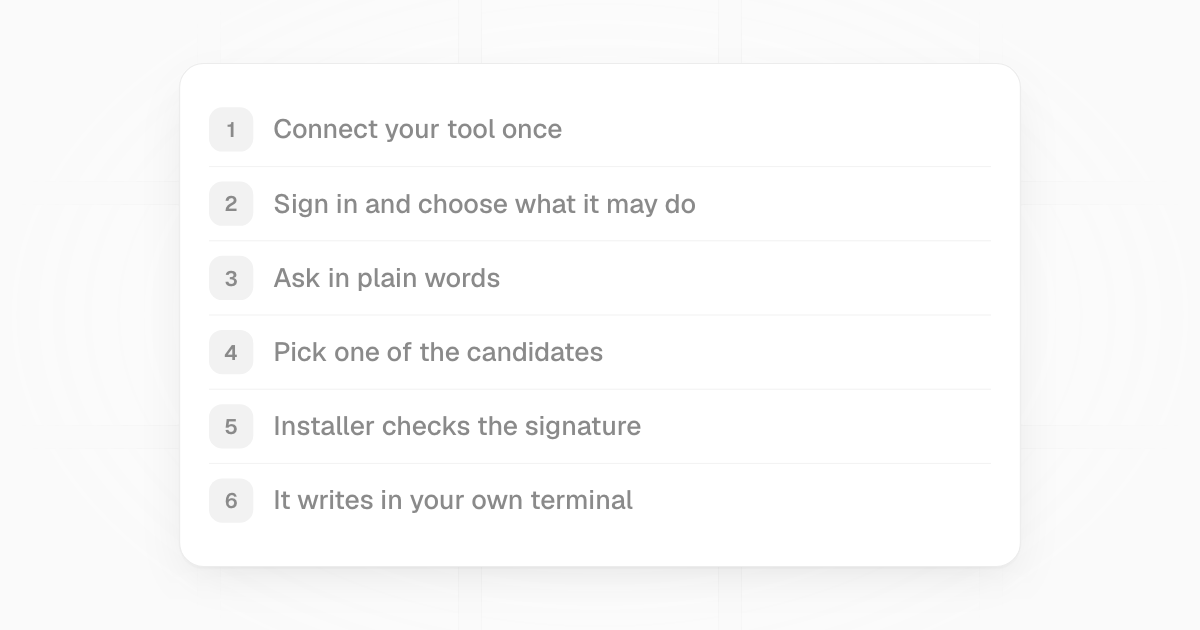
Then ask in plain words:
Find an Astro pricing section with a monthly/yearly toggle and room for three plans.
Show me the options before installing anything.
The agent searches and shows you candidates. When you pick one, it prepares the install. The MCP server itself never writes to your computer. The installer runs in your own terminal and does the writing. First it checks the release signature and the checksum of every file. The details are in the MCP docs.
Or install it yourself
You can also run the installer yourself, from the root of your Astro project:
npx aymu login
npx aymu add section <id>
Either way you get the same files, and the same rules apply:
- It shows every file it plans to write before writing anything.
- It won’t overwrite a file that already exists. If a path is taken, nothing is written and the message names the path.
- It stops on anything unsafe in the archive, or a checksum that doesn’t match.
That last point matters even more with agents. You aren’t trusting the agent to copy files correctly. You’re trusting a small installer that checks every file and won’t touch the ones you already have.
Wire it into the page
The section is now in your project, but not on your page yet. You or the agent do that part, and it’s a small edit:
Replace the current pricing block on src/pages/index.astro with the section that was just installed.
Keep the old component file for now, but stop importing it.
Pass in our real plan names, features and button labels from content/pricing.md.
Do not change the new section's classes, spacing or structure.
The last line is the one that matters. Ask an agent to “make it fit” and it will often restyle the new section to match the rest of your site. That’s the look you were trying to get away from. Let your content change. Keep the design.
Make it look like it belongs
A new section can look like a guest at first. Two things fix most of that, without touching its layout.
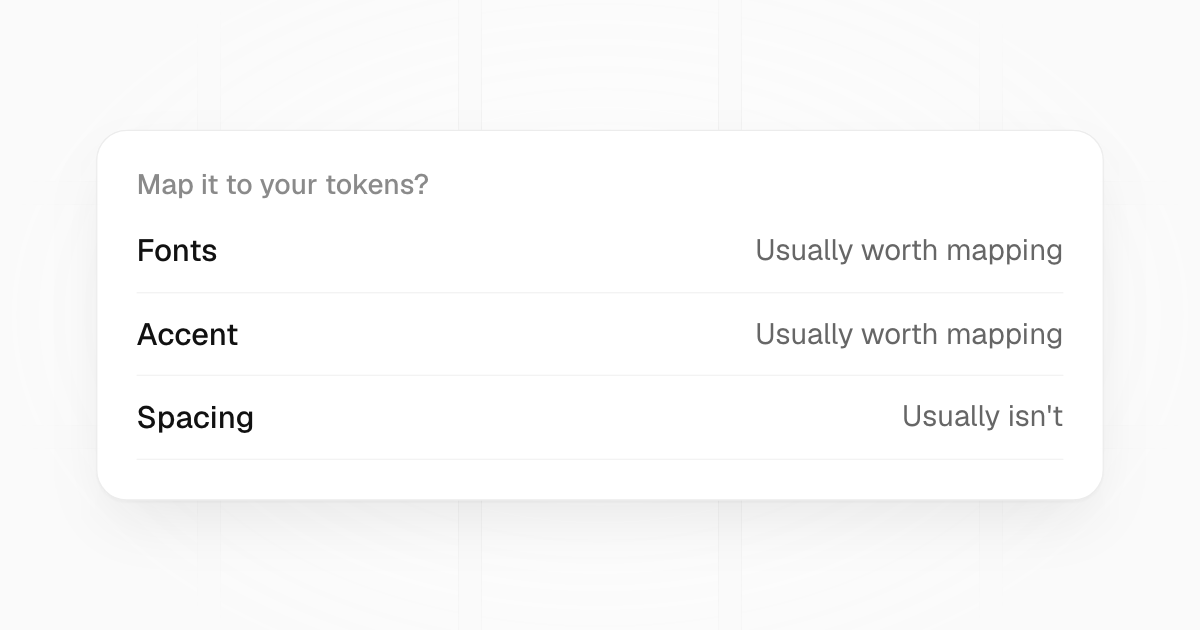
Map your tokens. Your site may already have a font and an accent color as CSS custom properties. If so, check what the section reads and define those names in your theme. Ask:
List the CSS custom properties the new pricing section reads, with their fallback values.
Show which of them our theme already defines and which use the fallback.
Then decide, one by one, whether to keep the section’s value or map it to yours. Fonts and the accent are usually worth mapping. Spacing usually isn’t: the section’s spacing is part of why it looks designed.
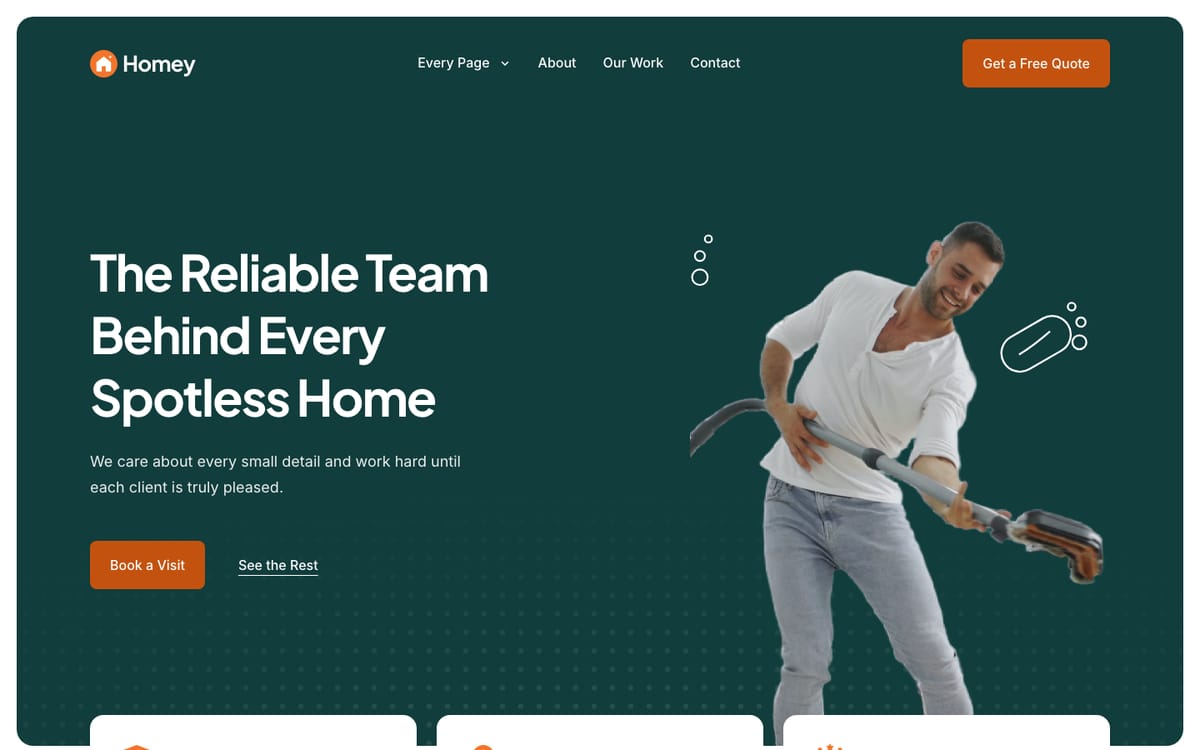
Example: Homey, a designed Astro template on Aymu.
Check the neighbors. Take screenshots again and look at the gap above and below the new block. Mismatched section padding often makes a good section look pasted in. Fix the gap, not the section.
If your palette itself is the problem, How to choose a website color palette (with Tailwind tokens) is a quicker fix than tuning every section to match.
Then delete the old block
Once the new section is in place, looks right at both widths and the build passes, remove the old component. If you leave it, the agent may reuse it the next time it needs “a pricing block”.
Add a line to CLAUDE.md so the decision sticks:
- Pricing uses src/components/sections/<the installed folder>. Do not restyle it. Change content through its props.One block at a time
This works on a small scale too. You don’t need a new site to get a better one. Replace the weakest block, check it, commit, and look at the page again. Often the next weakest block is now obvious, because the good one next to it shows what the rest should look like.
If you’re starting a new site instead of fixing one, a whole template is usually the better start. See Best Astro templates for 2026: designed picks by use case.
Share this post
 Post on X
 Share on LinkedIn
Ask an AI about this post
 ChatGPT
 Claude
 Perplexity
 Google AI
 Grok
 Written byMuhammad SumonDeveloper and UI/UX designer