CLAUDE.md best practices: design rules Claude Code actually follows
Put your design system into CLAUDE.md as short, clear rules you can check: tokens, banned patterns and component rules. Includes a sample design section you can copy.
The short version
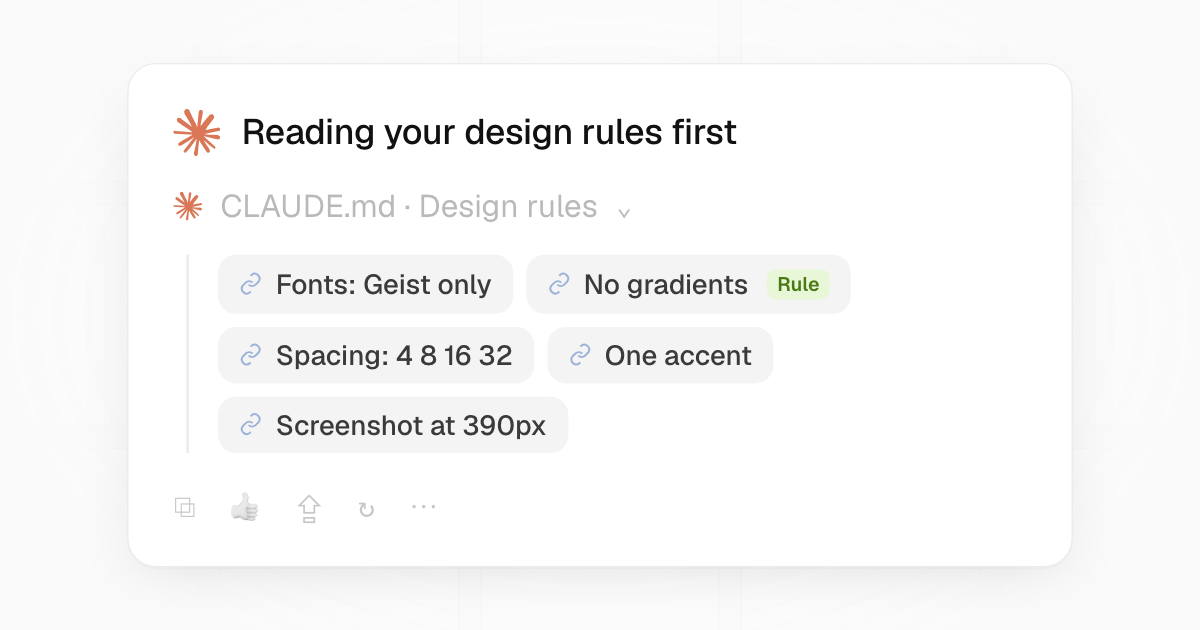
- Write design rules in CLAUDE.md that name a value, class, file or pattern, so you can check each one with a yes or no.
- List your tokens and where they live. Ban the patterns you keep removing, by name. Point component rules at real files.
- Keep the design section short. Check it with an agent self-audit, plus a grep in your lint step that fails on banned patterns.
On this page
You fix the purple gradient. You remove the sparkle icons. You tighten the spacing. Two days later you ask Claude Code for a new pricing section, and it comes back with a purple gradient, sparkle icons and loose spacing.
The agent didn’t forget. It never knew. Each session starts from what’s in the context, and your design choices
lived only in the chat where you made them. To make them stick, write them down where the agent reads them every
time: CLAUDE.md.
Claude Code loads the CLAUDE.md in your project root at the start of each session. What you put there shapes
every task. This post is about what to write so your design rules actually hold.
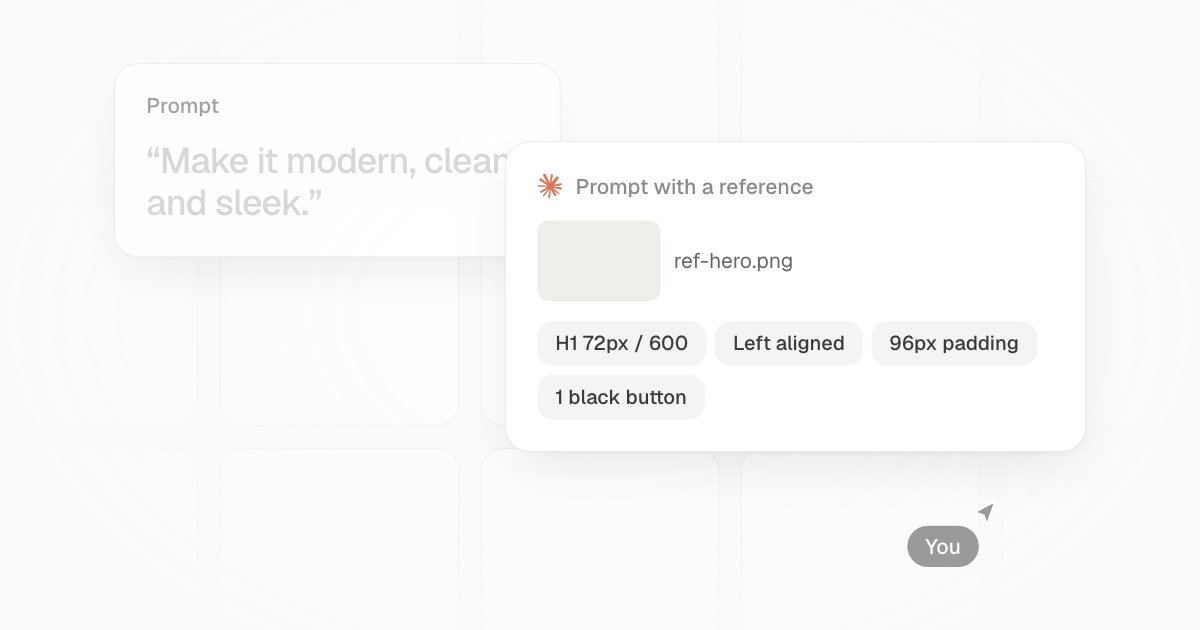
Adjectives don’t work
The first thing most people write is something like this:
## Design

- Modern, clean, minimal design
- Professional and polished
- Use good spacing and nice typography
Each of these lines is already true of the generic output you want to get away from. The agent thinks its purple gradient hero is modern and clean. Adjectives give it nothing to check against.
A rule that works has two traits. It’s specific: it names a value, a class, a file or a pattern. And it’s
testable: you can look at the code and say yes or no. “Use good spacing” fails both. “Section padding is
py-24 on desktop and py-16 on mobile” passes both.
Start with tokens
Tokens are the named values of your design: colors, fonts, sizes, spacing, radius. If they’re written down, the agent uses them. If not, it makes up new ones in every file.
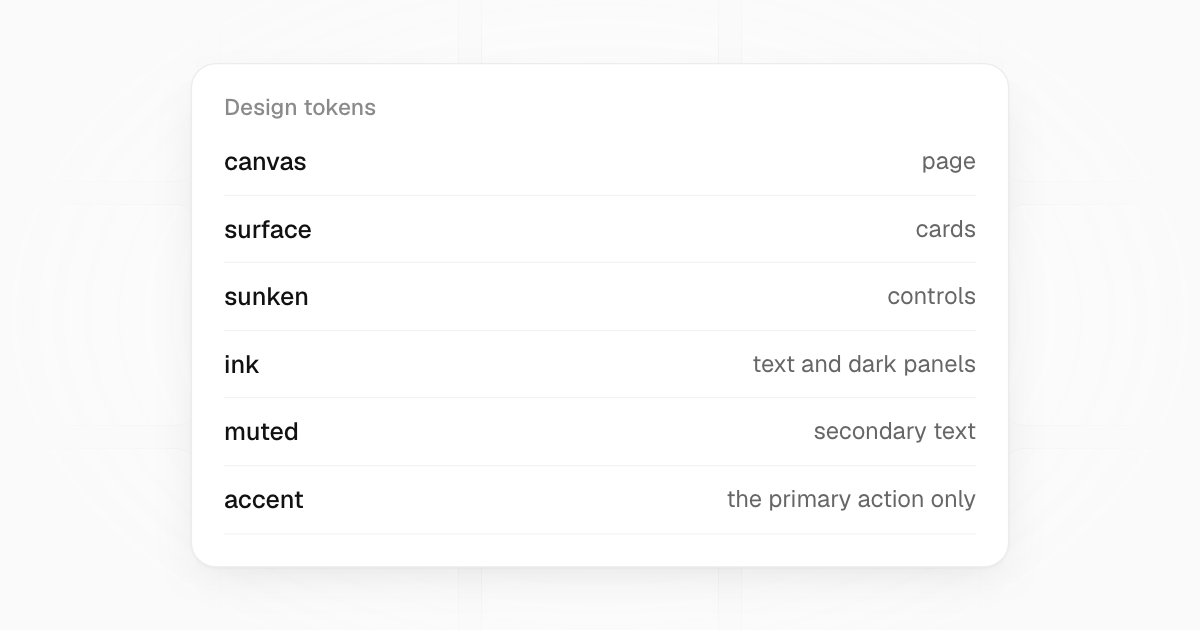
With Tailwind CSS v4, your tokens live in CSS under @theme. Point to that file in CLAUDE.md and list the ones
that matter, so the agent knows the names:
## Design tokens

Tokens are defined in `src/styles/theme.css` under `@theme`. Use only these.
Never write raw hex colors, pixel font sizes or arbitrary values like `p-[37px]`.

- Colors: `canvas` (page), `surface` (cards), `sunken` (controls), `ink` (text
  and dark panels), `muted` (secondary text), `accent` (one per screen, for
  the primary action only).
- Fonts: `font-display` for h1 and h2, `font-sans` for everything else.
- Radius: `rounded-lg` for controls, `rounded-2xl` for panels. Nothing else.
- Section spacing: `py-24 md:py-32`. Gap between a heading and its content:
  `mt-6`.
Look at the rule about raw values. Without it, the agent will happily grab #7c3aed when it wants a color you
didn’t name.
Ban patterns by name
You know what your slop looks like, because you keep removing it. Name each pattern, so the agent can spot it:
## Banned

- Gradients of any kind, including text gradients and gradient borders.
- Box shadows, drop shadows, glows and `ring` used as an outline.
- Borders on cards, tiles, badges and panels. Separate surfaces by
  background tone.
- Emoji in UI copy. Sparkle, rocket and lightning icons.
- Three identical feature cards in a row.
- Scroll-triggered fade-up on every section.
- The words: unlock, elevate, seamless, supercharge, effortless.
Bans are some of the most reliable rules you can write, because they’re easy to check. You can even grep for them. If you want a ready list, the anti-slop ban list has one you can change to fit.
Write component rules
Tokens cover values. Component rules cover how pieces are built. They stop the agent from making a fourth kind of button.
## Components

- Buttons: use `src/components/Button.astro`. Variants: `primary` (ink
  background), `secondary` (sunken background). Never create a new button
  style inline.
- One primary button per section.
- Section headings use `src/components/SectionHeading.astro`: an eyebrow
  (optional, `text-sm text-muted`), an h2, an optional lead paragraph
  (`max-w-prose`).
- Every interactive element has hover, focus-visible and disabled states.
- Keyboard focus ring: `focus-visible:ring-2 ring-focus`. Never remove it.
Pointing at a real file works better than describing a component. The agent will open Button.astro and copy how
it’s done.
Give one example
Rules tell the agent what to avoid. An example shows what good looks like. Add one short, complete example that follows every rule, and say so:
## Reference section

`src/components/sections/Features.astro` is the reference. New sections
follow its structure: SectionHeading, then an asymmetric grid with one large
item and two small ones, on `bg-surface`, with `py-24 md:py-32`.
If you started from a designed template, its sections make good references. That’s one reason to begin from Best Astro templates for 2026: designed picks by use case: the rules and the examples already match. Aymu’s templates and sections ship with their tokens in one theme file, so you already have names to write rules about.
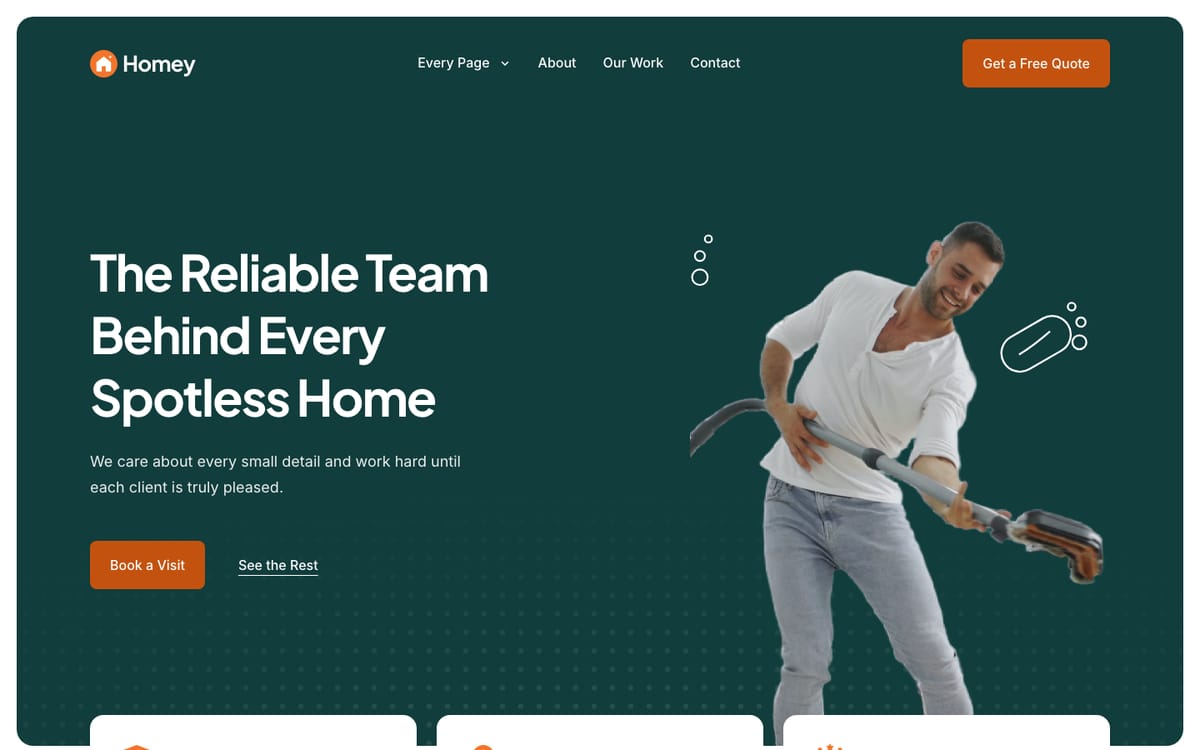
Example: Homey, a designed Astro template on Aymu.
Keep it short
A longer CLAUDE.md doesn’t work better. Rules buried at line 400 compete with everything above them. Aim for a
design section you can read in a minute. If something needs a page of explanation, put it in a separate file, like
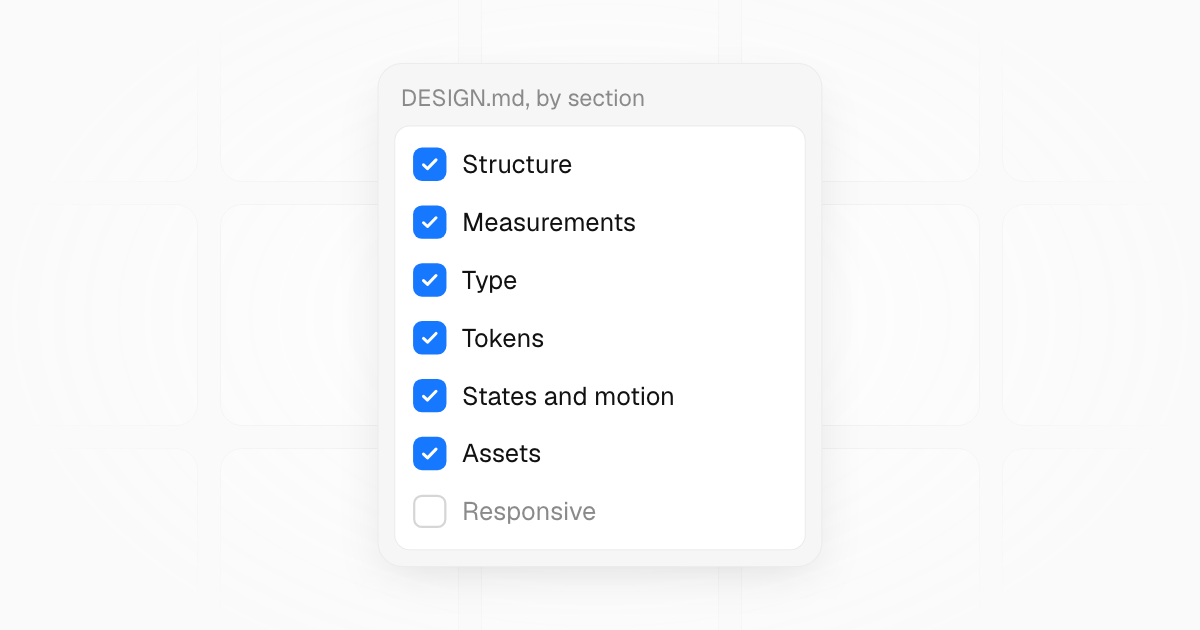
a DESIGN.md. Link to it from CLAUDE.md with one line about when to read it. The
DESIGN.md post covers what goes in that file.
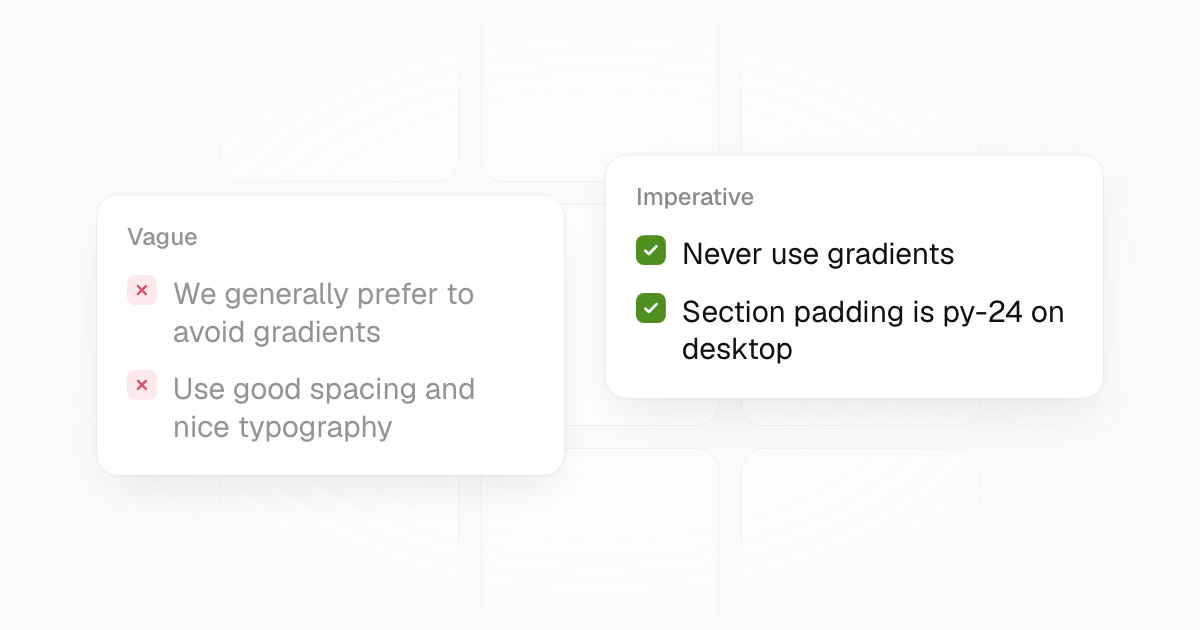
Write rules as commands, one rule per line. “Never use gradients” is clearer than “We generally prefer to avoid gradients where possible.”
Check that the rules hold
Rules you never check stop being followed. Two cheap checks:
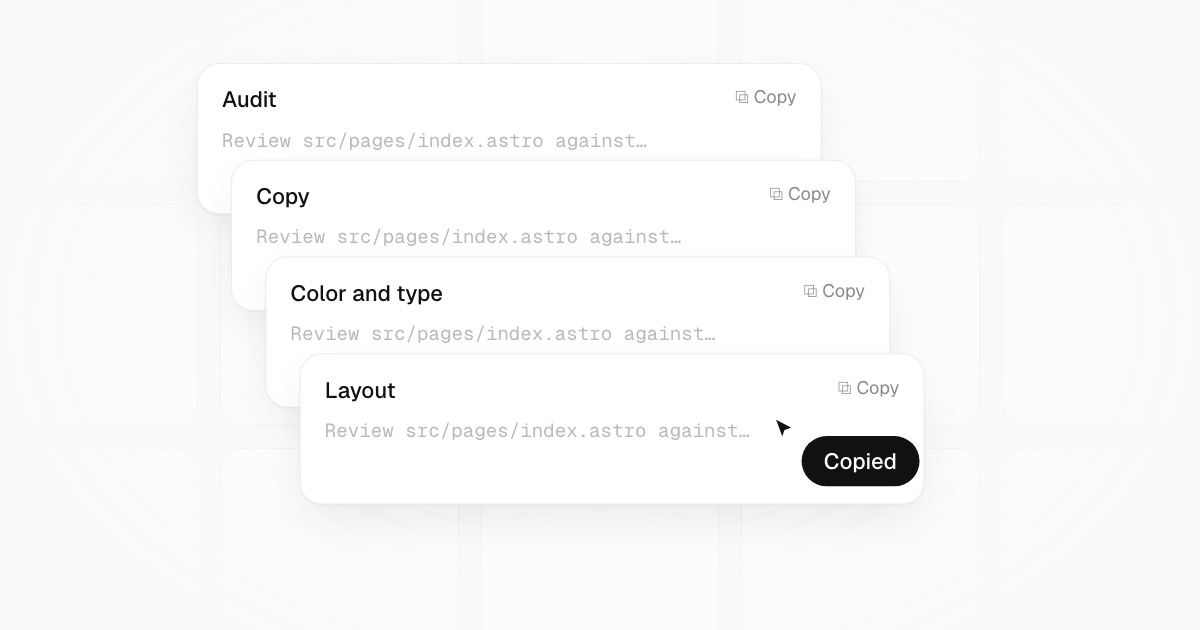
Ask the agent to audit against its own rules. After a change, paste:
Read the Design sections of CLAUDE.md. Check every file you changed in this
session against each rule. List any violation with file and line, then fix
them.
Add a grep to your lint step. Banned patterns are text, so a script can catch many of them:
# Fails if a gradient, shadow or raw hex color appears in components.
! grep -rnE "bg-(gradient|linear|radial|conic)-|gradient\(|shadow|#[0-9a-fA-F]{6}" src/components src/pages
Tailwind CSS v4 names its gradient utilities bg-linear-*, bg-radial-* and bg-conic-*, so the pattern checks for
those and for the older bg-gradient-* name. A test that fails on a banned pattern is a rule the agent can’t
quietly break. It will see the failure and fix it.
Today’s task
Open your CLAUDE.md, or create one in the project root, and add four short sections:
- Design tokens: where they live, the names, and “never use raw values.”
- Banned: every pattern you’ve removed by hand at least twice.
- Components: which files to reuse, and the states every interactive element needs.
- Reference section: one file that shows the rules followed.
Then start a fresh session and ask for a new section. Compare it with what you got before. If something slips through, don’t just fix the code. Add a rule, so it doesn’t happen again.
Rules work best with good inputs. A rule file says what’s allowed. A reference says what you’re aiming for. Together they swap the average result for yours.
Share this post
 Post on X
 Share on LinkedIn
Ask an AI about this post
 ChatGPT
 Claude
 Perplexity
 Google AI
 Grok
 Written byMuhammad SumonDeveloper and UI/UX designer